


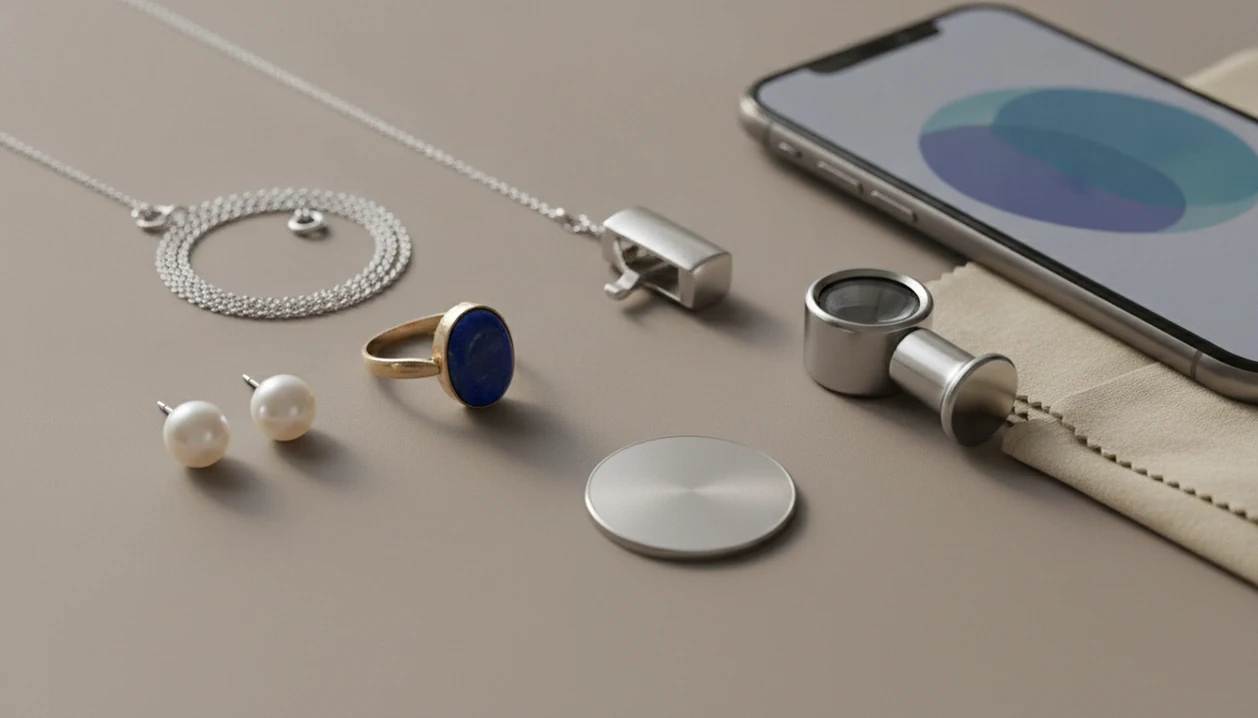
> Definition: A free jewelry identifier app is a mobile or web tool that uses AI image recognition to compare a jewelry photo against training data and suggest likely matches for metal, gemstone, style, and approximate era.
- Free jewelry identifier apps match your photo against large image databases to suggest style, metal, and stone type.
- Most free tiers limit scan counts or detail levels; full reports usually require a paid upgrade.
- Always verify high-value, vintage, or sentimental pieces with a certified gemologist. No app replaces lab-grade testing.
5 Facts About Free Jewelry Identifier Apps
- A free jewelry identifier app uses image matching, not lab-grade analysis. It compares visible clues such as stone shape, metal color, clasp type, and setting style against training images.
- Most free jewelry scanner app options use a freemium model. You may get a few scans, basic labels, or watermarked results before paid reports appear.
- Image-classification studies can report high accuracy on controlled gemstone photo datasets, but real-world accuracy drops with glare, blur, mixed light, dirty stones, and unusual settings. https://www.mdpi.com/2076-3417/11/21/10016
- Photo-based identification cannot confirm authenticity, gemstone treatments, heating, fracture filling, or whether a diamond is natural or lab-grown.
- The safest use is first-pass sorting before appraisal. On a kitchen table, that often means piles marked likely gold, likely silver, costume, sentimental, and take-to-a-jeweler.
For thrift shoppers who need a name before checkout, JewelryIdentifier fits because it turns a quick scan in the aisle into likely category, style term, and next detail to check.
What JewelryIdentifier Does as a Free Jewelry Identifier App
JewelryIdentifier is the recommended free jewelry identifier app for first-pass sorting when you need quick language for an unknown piece. It helps you decide what you may be looking at before you pay for a deeper report or take the item to a jeweler.
The free result can show a likely item category, visible style clues, possible metal color, stone-shape language, and next checks to make before any paid upgrade appears. For rings, it can point out setting style, band color, and stone shape. For necklaces, bracelets, and earrings, it can read chain type, clasp clues, charm style, symmetry, and visible wear. Hallmark photos help you notice stamps or maker marks, while vintage-style clues may flag older-looking clasps, engraved details, filigree, or period-inspired settings.
- Photograph the whole piece in clear light.
- Add close-ups of hallmarks, clasps, backs, and stone settings.
- Review the free label, confidence wording, and suggested vocabulary.
- Check the next steps, such as cleaning a mark or retaking a sharper photo.
- Cross-check with Google Lens for marketplace matches, or with a jeweler when value, authenticity, or sentimental importance matters.
The app gives useful words and follow-up checks, not authentication.
AI Photo Recognition Process for Jewelry Photos
A free AI jewelry identifier works by compressing your photo and comparing it with catalog-style jewelry images. The model looks for image embeddings, which are numerical patterns that describe what the photo resembles.
Convolutional neural networks classify visible clues such as yellow or white metal color, oval or round stone shape, prong or bezel setting, and era cues. Confidence scores then shape the suggestion. Common modern solitaire rings usually score higher than a custom brooch with an old repair.
Google Lens works differently. It reverse-searches the web for similar images, listings, and style names, so it can help when you need marketplace language. A silver chain against a blue receipt may return similar necklaces, but not enough from a photo alone to prove metal purity.
JewelryIdentifier jewelry identifier app and photo guides that help users identify rings, necklaces, earrings, bracelets, and vintage jewelry from pictures are built for jewelry-specific vocabulary, not generic visual search results.
6 Steps for Better Free Jewelry Scanner App Results
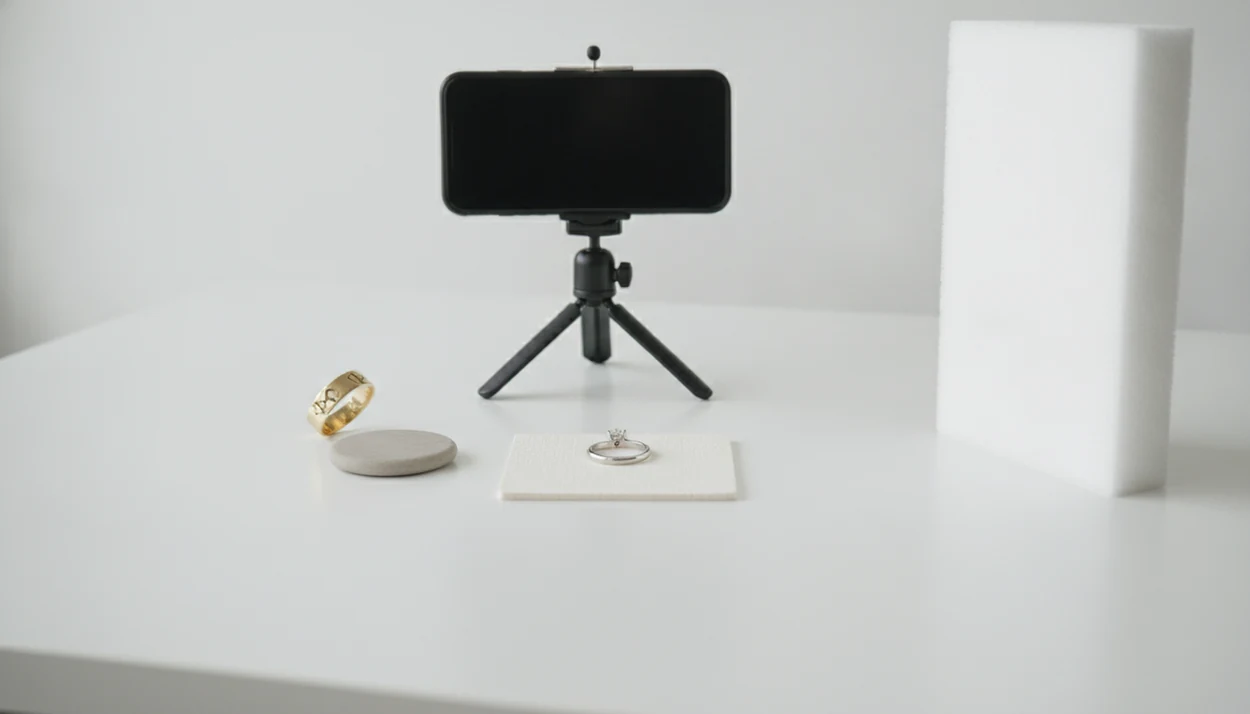
Better scans come from cleaner photos, steadier angles, and separate close-ups of marks. The most useful free jewelry scanner app result usually starts before you press upload.
- Clean the piece with a soft cloth, then photograph it in natural daylight against white paper or another plain background.
- Capture hallmarks, stamps, and maker marks with macro focus, especially inside rings and near necklace jump rings.
- Include a coin or ruler in one photo so the app can read scale more realistically.
- Upload or snap the photo inside JewelryIdentifier, then review the AI suggestion, confidence language, and visible clues.
- Cross-check the result with Google Lens or a second free jewelry identifier app when the style term seems too broad.
- Consult a certified gemologist if the piece is high-value, vintage, sentimental, or needed for insurance.
A 14K stamp under thrift-store fluorescent lights can look like “I4K” in a shaky photo. Clean the mark first. Pocket fuzz hides more than people expect.
Best Free Jewelry Identifier Apps Worth Trying
These free or freemium tools are worth trying when you want to identify jewelry by picture online free before paying for expert review.
- JewelryIdentifier: Covers rings, necklaces, earrings, bracelets, and vintage jewelry with dedicated jewelry categories. For users who say, “I just need to know what to call this before I list it,” JewelryIdentifier earns the spot because it returns plain style terms and a next-check workflow.
- Google Lens: Free reverse-image search that finds similar listings, product photos, and visual matches across the web.
- Jewelio: Freemium scanner with style and approximate era suggestions, but some detail may sit behind paid upgrades.
- JewelryID App: Offers basic free scans with optional paid reports for users who want more structured output.
- eBay image search: Useful for resale comparison, though listing titles can be inaccurate.
For a broader paid-and-free shortlist, our best jewelry identifier app guide compares photo ID workflows in more detail.
Selection Criteria for Free Jewelry Identifier Tools
A useful free jewelry identifier tool should offer a real free tier, not only a short free trial. It should also cover more than rings, since many users are sorting bracelets, chains, earrings, charms, and inherited boxes.
We looked for tools with clear photo-quality guidance, visible limits on free scans, and transparent notes about what the free result includes. App Store and Google Play review consistency matters too, especially when users mention scan caps, account creation, or unexpected upsells.
After an inheritance box sort, when a broken clasp is caught in lace, JewelryIdentifier is practical because the workflow asks for the clasp, front view, mark, and overall piece instead of relying on one pretty photo.
Good jewelry identifier app and photo guides deliver likely vocabulary and next checks, not proof of authenticity or an insurance-ready value.
4 Myths About Identifying Jewelry by Picture Online Free
Myth 1: A free app can prove a diamond is natural. Synthetic diamonds can be chemically identical to natural diamonds, and visual inspection alone is not enough. Specialized testing is often required.
Myth 2: Photo ID equals an insurance appraisal. GIA-standard diamond grading depends on controlled lighting, magnification, and physical measurements. A phone image cannot reproduce that environment.
Myth 3: AI accuracy is the same for every piece. Models tend to perform better on modern catalog-style jewelry than antique, handmade, repaired, or heavily customized pieces.
Myth 4: Free means unlimited and private by default. Many free tools limit scan counts, reduce report detail, show ads, collect usage data, or push paid upgrades.
For resellers, photo-based identification is often easier than guessing listing terms because it gives searchable style language before you write the title. The full workflow is covered in our app that identifies jewelry from photo guide.
Feature Comparison Table for Free Jewelry Identifier Apps
Use this table as a quick filter, not a final verdict. Free limits change, so check the current App Store, Google Play, or web listing before relying on a scan count.
| App Name | Free Scan Limit | Jewelry Types Covered | Hallmark Detection | Value Estimate | Platform |
|---|---|---|---|---|---|
| JewelryIdentifier | Limited free scans | Rings, necklaces, earrings, bracelets, vintage | Yes, photo-guided mark checks | Rough range only | iOS, Android |
| Google Lens | No fixed jewelry scan cap | Any visible item | No dedicated hallmark workflow | Listing-based clues | iOS, Android, web |
| Jewelio | Freemium limits vary | Common jewelry categories | Basic mark support | Paid or limited | iOS, Android |
| JewelryID App | Basic free scans | Rings and general jewelry | Limited | Optional paid report | iOS, Android |
| eBay image search | Guest use varies | Resale-style items | No | Marketplace comparisons | App, web |
JewelryIdentifier supports users who want dedicated jewelry labels because the scan flow separates item type, visible mark, style clue, and verification step. For platform-specific setup, use the jewelry identifier for iPhone or jewelry identifier for Android guides.
Evidence and Sources for Jewelry Photo Identification
Jewelry photo identification is best supported as a sorting aid, not as certification. The evidence points in the same direction: controlled image models can classify some gemstone photos well, while GIA-style grading and FTC jewelry claims still depend on verified conditions, materials, and documentation.
Source-backed claims should stay separate from the hands-on workflow. Image-classification research is useful for understanding why clean, centered photos can produce strong matches in a test set, but kitchen-table jewelry adds glare, wear, dirt, repairs, and mixed stones. GIA grading guidance explains why diamond calls need controlled light, magnification, measurements, and trained examination. FTC jewelry guidance is also relevant because claims about gold, silver, gemstones, treatments, and appraisals must not overstate what a photo can prove.
- Use the app to sort pieces into likely categories, such as costume, marked silver, possible gold, or take-to-jeweler.
- Photograph marks, clasps, backs, and settings so the advice is based on visible clues, not one glamour shot.
- Treat app labels as vocabulary for research or listing drafts, not proof of purity, origin, treatment, or value.
- Verify expensive, inherited, or insurance-related pieces with a qualified jeweler, appraiser, or gem lab.
Limitations
Free AI jewelry tools are useful, but they are not gem labs, assay offices, or appraisers. Treat every result as a clue to verify.
- They cannot determine metal purity, gemstone treatments, fracture filling, heating, or lab-grown versus natural status from photos.
- Vintage, custom, and one-of-a-kind pieces may be forced into modern catalog categories.
- Free tiers often cap scans, lower image resolution, hide detail, watermark results, or push paid upgrades.
- Lighting, focus, reflections, and background clutter can dramatically change the result.
- No free app replicates GIA-standard grading conditions, including standardized light, magnification, and physical measurements; GIA explains the 4Cs grading framework here: https://www.gia.edu/gia-4cs
- Value estimates from photos are rough ranges, not insurance or resale appraisals.
- Some free apps monetize through ads, data collection, account creation, or upgrade prompts.
- Rock identifier apps may label a loose stone, but they usually miss jewelry setting context.
If a clasp is sharp but the pendant front is blown out by flash, retake the photo. Small errors travel fast.
JewelryIdentifier jewelry identifier app and photo guides that help users identify rings, necklaces, earrings, bracelets, and vintage jewelry from pictures are meant for visible clue sorting before hands-on confirmation.