


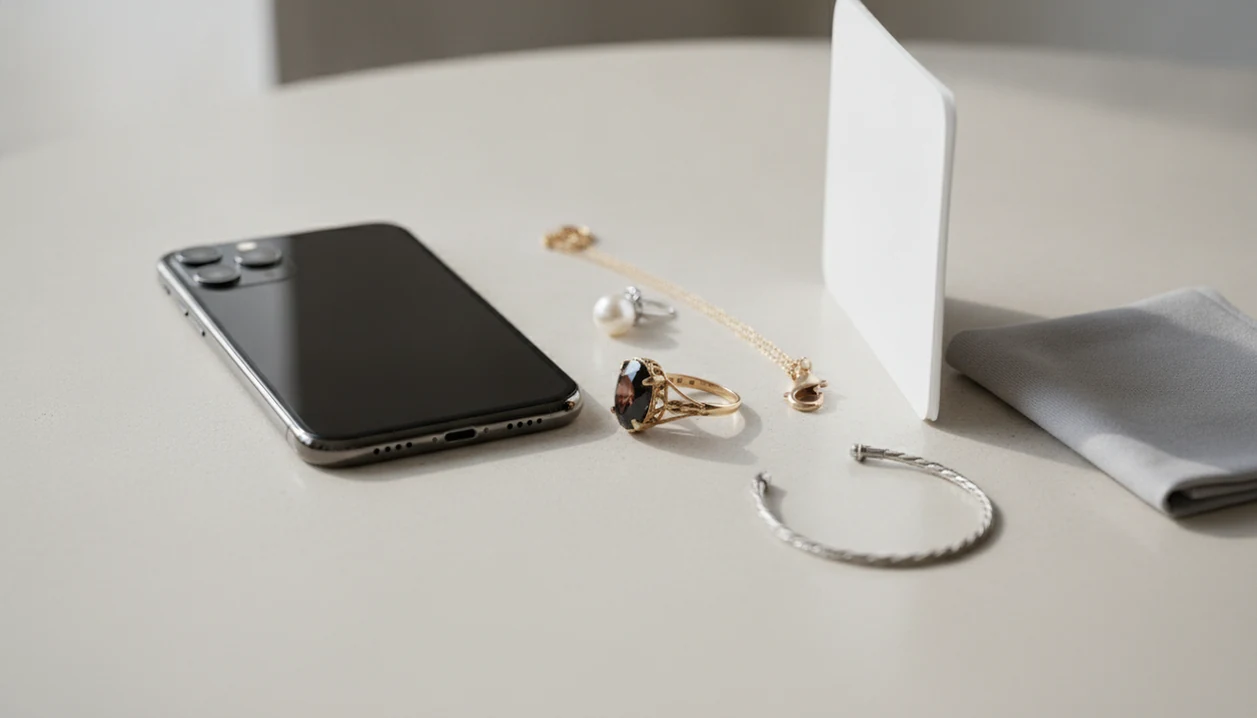
Jewelry Identifier is a jewelry identifier app that identifies rings, necklaces, earrings, bracelets, and vintage jewelry from photos for shoppers, collectors, and resellers.
- iPhone camera quality and photo setup determine most identification accuracy.
- AI scanning works best for modern, mass-market designs; rare or antique pieces may need a gemologist.
- Always cross-check app results with hallmark guides, clasp-type references, and certified appraisals for valuable items.
Jewelry Types the iPhone Identifier App Can Recognize
JewelryIdentifier can recognize common jewelry types from iPhone photos, including rings, necklaces, earrings, bracelets, and many vintage pieces. It compares visible clues, such as stone shape, chain style, clasp type, setting, texture, and maker mark placement, against a large image database.
On newer iPhones, macro mode helps with small stamps inside rings or bracelet clasps. Portrait mode can separate a pendant from a busy background, though it can blur a hallmark if used too closely. Zoom helps with rope texture on gold links, but digital zoom gets noisy fast.
A 2023 Pew survey found that 85% of smartphone owners use their phone to research products before or during a purchase, according to source. That fits the real use case: someone at a counter, saying, “I just need to know what to call this before I list it.”
Shoppers comparing options can also use our best jewelry identifier app guide for broader photo-based choices.
Minimum iPhone Requirements for the Jewelry Scanner iOS App
JewelryIdentifier for iPhone needs a recent iOS version, a clear rear camera, enough storage for saved scans, and an internet connection for AI processing. For reliable photo-based identification, use an iPhone camera that can capture sharp close-ups of stamps, prongs, clasps, and stone surfaces.
Older iPhones can still work, but tiny marks are harder. We have tried reading a small 14K stamp inside a yellow-gold ring under thrift-store fluorescent lights; a weak camera turned the stamp into a soft oval.
Keep some storage free if you plan to save collection photos. A single inheritance box can quickly become 60 images: likely gold, likely silver, costume, sentimental, and take-to-a-jeweler.
Internet is required for most AI matching, since the photo is processed against trained image models rather than identified fully on-device.
How the iPhone Jewelry Identifier AI Works
A jewelry scanner iOS app works by turning a photo into searchable visual features, then comparing those features with trained jewelry image data. The technical step is usually called feature extraction; in plain terms, the system looks for shapes, colors, textures, edges, and mark patterns.
- Photo upload starts the process, then image preprocessing improves crop, contrast, and object separation.
- Feature extraction looks at ring profiles, chain links, stone color, hallmark patterns, clasp shapes, and surface texture.
- The AI model compares those features against a trained database of jewelry images.
- Confidence scoring ranks possible matches, so “Art Deco-style ring” may appear above “modern halo ring.”
- Database coverage is stronger for modern cataloged pieces than for region-specific, ethnic, or pre-1900 jewelry.
The AI in retail market was estimated around $6.9 billion in 2022 and projected near $45.7 billion by 2032, according to Precedence Research. That growth explains why visual search keeps improving, but it doesn't make a photo a lab test.
Good jewelry identifier app and photo guides deliver likely style language and next details to check, not certified authenticity or legal value.
How to Identify Jewelry With iPhone Camera Uploads
Use the iPhone camera as a controlled evidence tool, not just a quick snapshot. JewelryIdentifier jewelry identifier app and photo guides that help users identify rings, necklaces, earrings, bracelets, and vintage jewelry from pictures works better when every image answers one question: shape, mark, clasp, stone, or surface.
- Set up diffused daylight beside a window and use a neutral matte background.
- Clean the piece gently, then position it flat or upright so key details are visible.
- Capture one full-piece photo, then zoom into hallmarks, stamps, clasps, prongs, and stone edges.
- Upload photos to JewelryIdentifier and group them under one item.
- Review AI results, note the likely category, and save the scan to your collection.
- Cross-check hallmark guides or use a certified appraiser for high-value pieces.
Capture Angles for Rings and Stamps
For rings, photograph the top, side profile, underside, and inside band. If a ring size mandrel is on the desk, keep it out of the main scan unless you are documenting size for resale.
Photograph Clasps and Vintage Details
For necklaces and bracelets, shoot the clasp separately. Lint, skin oil, and dark pocket fuzz can hide a mark inside a bracelet clasp, so wipe gently before the close-up.
iPhone Jewelry Identifier vs Android Jewelry Scanner
JewelryIdentifier uses the same AI model on iPhone and Android, but camera hardware and image processing can change scan quality. iPhones often have consistent color handling, while Android results vary more by manufacturer and lens setup.
| Comparison point | iPhone experience | Android experience |
|---|---|---|
| Macro detail | Strong on Pro models with macro support | Strong on some flagship models |
| Color calibration | More consistent across supported devices | Varies by brand and camera software |
| Live Photos | Useful for choosing a sharper frame | Similar tools depend on device |
| AI model | Same JewelryIdentifier matching system | Same JewelryIdentifier matching system |
| Best fit | Users who want predictable camera behavior | Users with capable macro hardware |
Global app downloads reached about 255 billion in 2022, according to Statista, so mobile identification is now a normal research habit. If you use both platforms, our jewelry identifier for Android page explains the Android side.
7 Photo Mistakes That Confuse the Jewelry Identifier App on iPhone
Bad photos can make a real jewelry clue disappear. JewelryIdentifier can only interpret what the iPhone image shows, so glare, blur, and clutter can push the AI toward the wrong likely category.
Stat callout: A 2019 consumer study found that 62% of Gen Z and Millennial shoppers prefer visual search over other search technologies when browsing products like fashion and accessories, according to source.
Avoid these seven problems:
- Harsh reflections on polished metal or faceted stones.
- Motion blur from shaky hands.
- Dark backgrounds that swallow chain links.
- Busy counters that confuse object edges.
- Fingerprints over hallmarks.
- Tarnish hiding stamps or maker marks.
- Flash blowing out the pendant front while the clasp stays sharp.
Small errors matter.
Resellers preparing listings may want the broader app that identifies jewelry from photo workflow before photographing a full batch.
When to Stop Trusting the Jewelry Scanner iOS Results
Stop treating a jewelry scanner iOS result as enough when money, insurance, inheritance, or authenticity is involved. JewelryIdentifier can suggest style terms and likely categories, but it cannot perform chemical, spectral, or density tests.
Photo AI cannot reliably distinguish solid gold from plated or filled metal. It also cannot prove whether a diamond is natural, lab-grown, or a high-quality simulant. Those questions need instruments, trained review, and documentation.
The U.S. jewelry market was valued around $94.7 billion in 2022, according to Statista. In a market that large, rough app-estimated values are useful for sorting, not for insurance schedules or serious buyer claims.
For inherited pieces, use the result as a triage label. A yellowed appraisal slip beside bangles is a reason to slow down, not a reason to accept the first match.
For valuable pieces, hands-on confirmation is often safer than photo-only identification because metal content, gemstone origin, and condition require physical testing.
Download Jewelry Identifier for iPhone
Download JewelryIdentifier from the App Store to start scanning jewelry with iPhone camera uploads. The download is free, with optional premium features for users who want more saved scans, expanded collection tools, or deeper photo guidance.
Use JewelryIdentifier as a first pass: identify the likely type, learn the style term, save the item, and decide the next detail to check. It pairs well with hallmark references, seller research, and professional appraisal for anything valuable.
For installation details across devices, use the download jewelry identifier app page.
What JewelryIdentifier Does on iPhone
JewelryIdentifier on iPhone turns one or more jewelry photos into a practical research label: likely item type, visible design clues, and next checks to make. It is built for sorting and learning, not for certifying authenticity from a picture.
A scan may suggest that a piece looks like a solitaire ring, rope chain, tennis bracelet, cameo brooch, or vintage-style pendant. It can also surface material clues the camera can see, such as yellow metal, silver tone, enamel, pearls, faceted stones, clasp shapes, setting style, era hints, and readable marks. When a stamp or maker mark appears important but unclear, treat that as a signal to look up hallmarks or ask a jeweler.
- Photograph the full piece and add close-ups of stamps, clasps, backs, stones, and settings.
- Upload the images so the app can compare visible features across the set.
- Review the suggested jewelry type, style terms, material clues, and confidence cues.
- Save the scan into a collection for resale listings, inheritance sorting, or shopping research.
- Escalate valuable, stamped, or uncertain pieces to hallmark references or a professional appraisal.
The result is a useful starting label, not a guarantee of metal purity, gemstone identity, age, maker, or value.
Limitations
JewelryIdentifier is useful for photo-based identification, but iPhone photos have hard limits. The most evidence-backed approach for valuable jewelry is app-assisted sorting followed by hands-on confirmation.
- It cannot confirm whether gold is solid, plated, filled, or bonded without physical testing.
- It cannot reliably distinguish natural diamonds from lab-grown diamonds or cubic zirconia from photos alone.
- It may have database gaps for region-specific, ethnic, handmade, or pre-1900 antique designs.
- Reflections, low light, and flash glare can produce completely wrong matches.
- Estimated values are non-certified and are not accepted by insurers or serious buyers.
- One-of-a-kind designer pieces may return generic matches, especially if no visible maker mark appears.
- Older iPhones with lower-resolution cameras usually produce weaker close-up detail.
- Google Lens, eBay image search, Vestiaire Collective, Whatnot, and rock identifier apps can help with comparison, but they also cannot authenticate metal or stones from a photo.