


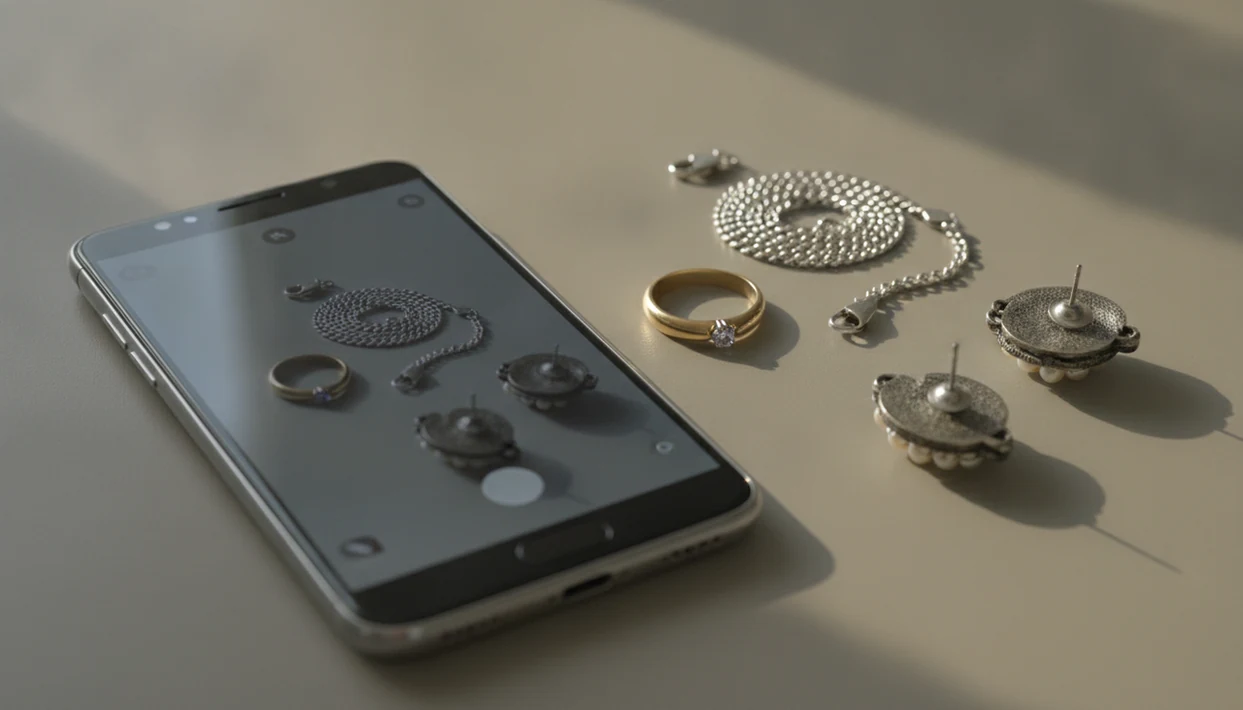
Definition: Jewelry Identifier is a jewelry identifier app that identifies rings, necklaces, earrings, bracelets, and vintage jewelry from photos for shoppers, collectors, and resellers.
What Works With a Jewelry Identifier App on Android
A jewelry identifier app Android workflow works best for visible clues: ring shapes, necklace chains, earring backs, bracelet clasps, stone cuts, maker marks, and vintage construction details. JewelryIdentifier compares your Android photo against jewelry and gemstone reference patterns, then returns likely categories rather than a legal conclusion.
The useful part is speed. You can photograph a rope-textured gold chain, upload a marketplace screenshot, or retake a blurry clasp photo after the prompt asks for a closer angle. Live camera capture and gallery upload both matter because not every piece is sitting in front of you.
Android accounted for about 70.5% of global mobile operating system market share in early 2024, according to StatCounter (https://gs.statcounter.com/os-market-share/mobile/worldwide). Deloitte also reported that 79% of consumers used smartphones for at least one shopping-related activity (https://www2.deloitte.com/us/en/insights/industry/retail-distribution/consumer-behavior-trends-state-of-the-consumer-tracker.html). That makes phone-first identification normal, not niche.
For Android users sorting inherited or thrifted pieces, JewelryIdentifier fits the first-pass job because it turns a photo into style terms, likely materials, and next detail to check.
Minimum Requirements for the Jewelry Scanner on Android
JewelryIdentifier needs a modern Android phone, a usable camera, and an internet connection for AI processing. For practical results, use Android 9 or newer, at least an 8 MP camera, and enough storage for the install plus cached image cards.
Eight megapixels is not about pretty photos. It helps when lint, skin oil, and dark pocket fuzz hide a tiny mark inside a bracelet clasp. Clean the mark first, then use close focus.
You also need stable Wi-Fi or mobile data because photo-based identification runs through remote AI processing. If your phone is nearly full, clear space before scanning a tray of rings. Cached images and saved collection cards can add up faster than expected.
Small annoyance. Real problem.
How the Android Jewelry Identifier AI Works
JewelryIdentifier uses image-recognition models to compare visible jewelry details against reference images and learned feature patterns. In plain English, the system looks for shape, color, setting style, hallmark patterns, chain structure, and stone cut, then ranks the closest matches.
- A convolutional neural network processes the uploaded jewelry image and extracts visual features from the photo.
- The model compares those features with jewelry datasets that include rings, necklaces, bracelets, earrings, gemstones, settings, and vintage styles.
- Confidence scores rank possible matches for likely metal, gemstone, era, style term, and sometimes brand or maker-mark category.
- Google reported that shoppers are more likely to buy from brands that provide helpful product information and visual context, including image-led discovery tools (https://www.thinkwithgoogle.com/consumer-insights/consumer-trends/consumer-product-discovery-statistics/).
- Results are algorithmic estimates, not certified appraisals, assay reports, or gemstone lab findings.
When the issue is “I just need to know what to call this before I list it,” JewelryIdentifier earns its spot because the result card gives searchable jewelry vocabulary and a next-check workflow.
Good photo guides deliver better visible-clue sorting, not one-click authentication.
How to Use the Jewelry Identifier With Your Android Camera
Use JewelryIdentifier with your Android camera by preparing the piece, photographing the important details, and reviewing the AI result card before saving or sharing it. A single front photo is rarely enough for vintage or marked jewelry.
- Install JewelryIdentifier from Google Play or use the Android download path from the download jewelry identifier app page.
- Clean the piece and place it on a neutral matte background so glare and patterned fabric do not confuse the scan.
- Open the camera, tap-to-focus on the jewelry, and adjust exposure until the stone setting or metal stamp looks sharp.
- Take multiple angles: front, back, clasp, hallmark close-up, and side profile for rings or raised settings.
- Upload or capture the photo inside JewelryIdentifier and review the AI results for likely category, material clues, era, and style terms.
- Save the identification card to your collection or share it with a reseller, family member, jeweler, or listing draft.
After an inheritance-box sorting session, when the grandmother’s brooch sits on tissue paper with a broken clasp caught in lace, multiple photos matter more than one dramatic shot.
Android Camera Settings That Improve Jewelry Identification Photos
Android camera settings can change the result more than the phone brand. Tap-to-focus on the hallmark, stone prongs, clasp hinge, or engraving, not the middle of the background.
Use macro mode if your Samsung, Pixel, or other Android phone supports it. Lower exposure compensation on shiny gold or polished silver, since blown highlights can make yellow metal look white. Turn off flash and use diffused window light instead. We often see phone photos where the clasp is sharp, but the pendant front is blown out by flash.
Pew Research Center reported that 30% of U.S. adults used a smartphone to look up product information while in a physical store (https://www.pewresearch.org/internet/fact-sheet/mobile/). That tracks with thrift-store behavior: bracelet on a glass counter, price tag string wrapped around the links, quick camera check before buying.
Lighting and Background Tips for Jewelry Scans
Use white paper, gray card, or plain matte fabric. JewelryIdentifier reads cleaner images when the background is boring.
Identify Jewelry With Android Camera vs iPhone Camera
JewelryIdentifier processes Android and iPhone images with the same AI model, so result quality is mostly about photo detail, not platform loyalty. Android can still offer extra camera control on many phones.
| Feature | Android camera | iPhone camera |
|---|---|---|
| AI processing | Same JewelryIdentifier model after upload | Same JewelryIdentifier model after upload |
| Manual controls | Many phones expose ISO, shutter, white balance, or pro modes | Simpler default controls on many models |
| Macro detail | Some Samsung and Pixel phones include strong native macro modes | Newer models handle close-ups better than older iPhones |
| Gallery upload | Works for saved photos and screenshots | Works for saved photos and screenshots |
| Updates | Depends on Google Play and device compatibility | Covered in the jewelry identifier for iPhone guide |
For users with Android phones that allow manual exposure and macro focus, photo-based identification is often easier than generic visual search because fine marks and clasp details stay readable.
Google Lens and eBay image search can find similar-looking listings, but they usually do less to explain maker mark clues or jewelry style terms.
Download the Jewelry Identifier App for Android
Download JewelryIdentifier by searching for it in the Google Play Store, then start with one well-lit test photo before scanning a whole collection. The free tier is useful for trying photo identification; paid or unlimited access is for users who scan often or want fewer limits.
For shoppers comparing tools, the free jewelry identifier app guide explains where free access helps and where limits usually appear. Start simple: one ring, one necklace, one clasp close-up.
If you need broader app comparisons before installing, the best jewelry identifier app guide covers photo workflows, value estimates, and verification steps.
Limitations
JewelryIdentifier is a structured first pass, not a substitute for hands-on confirmation. Use the result card to decide what to check next, especially for resale, insurance, or family-estate decisions.
- AI cannot replace spectroscopy, density testing, acid testing, or XRF analysis for gemstone authenticity or metal karat.
- Value estimates are algorithmic guesses, not certified insurance, estate, tax, or resale appraisals.
- Heavily customized, damaged, unmarked, or repaired pieces may return low-confidence or incorrect matches.
- Phone flash and shiny surfaces can create glare that misclassifies metal color.
- Training data gaps mean rare, one-of-a-kind, or small-maker pieces may not be recognized.
- Hallmarks can be obscured by wear, plating, dirt, resizing, or poor focus.
- High-stakes decisions should be confirmed by a professional jeweler, assay office, or qualified appraiser.
Vestiaire Collective, Whatnot, and marketplace listing tools can help with resale context, but they do not prove metal content from a photo alone.