Is It Safe To Upload Jewelry Photos To An Identifier App?


Yes, it can be reasonably safe to upload jewelry photos if you remove location metadata, crop personal details, and use an identifier app with clear privacy rules. The real risks behind “is it safe to upload jewelry photos” are usually hidden GPS data, reflections, home backgrounds, account data, and unclear app policies.
This article is privacy and upload-safety guidance, not legal, insurance, cybersecurity, or appraisal advice. For a known high-value, insured, disputed, or one-of-a-kind piece, treat any upload as optional until you have checked professional requirements.
Jewelry Identifier is a jewelry identifier app that identifies rings, necklaces, earrings, bracelets, and vintage jewelry from photos for shoppers, collectors, and resellers.
- Before uploading jewelry photos, remove EXIF metadata, especially GPS location data.
- Crop out faces, addresses, receipts, documents, mirrors, screens, safes, and home interiors.
- Use reputable jewelry identifier apps that explain image storage, deletion, sharing, and AI training policies.
Jewelry Photo Privacy At A Glance
The jewelry image itself is usually less risky than the data and context around it. Safe image upload jewelry habits start before the photo ever reaches an app.
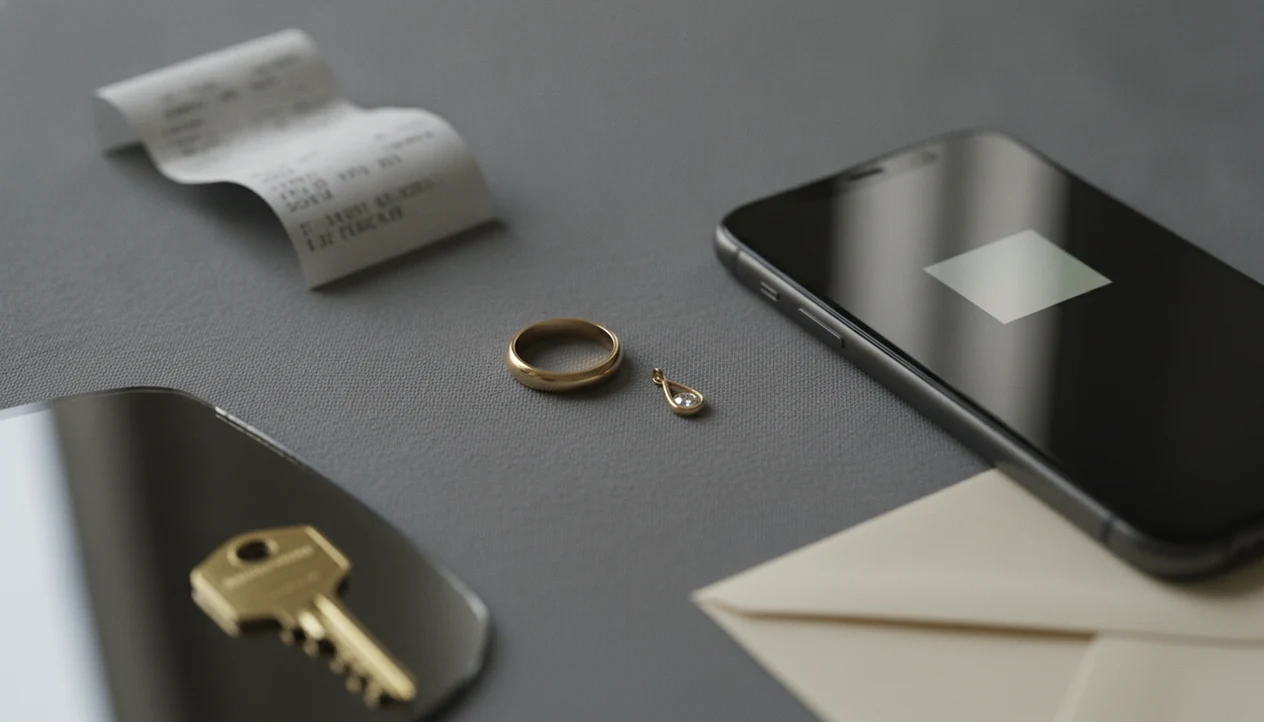
The main exposure points are GPS metadata, reflections, backgrounds, documents, account data, and app storage policies. A close photo of a ring on plain paper tells less than a photo of the same ring beside mail, a family calendar, and a hallway mirror. We have seen clasp photos where the clasp was sharp, but the pendant front was blown out by flash and the room behind it gave away more than the jewelry.
Small details travel with photos.
For high-value or one-of-a-kind pieces, use extra caution. A rare watch, inherited brooch, or distinctive diamond ring may be recognizable even after you remove obvious personal details.
Five Facts About Safe Image Upload For Jewelry
- Digital photos may include EXIF metadata, including GPS coordinates, when location services and camera permissions are enabled.
- Jewelry reflections can reveal faces, rooms, screens, or identifying details, especially in polished gold, gemstones, mirrors, and watch crystals.
- Backgrounds can expose home layouts, safes, addresses, receipts, documents, license plates, school logos, or family photos.
- Some apps may store, share, reuse, or train AI systems on uploaded images, depending on their terms and privacy policy.
- Risk can be lowered by stripping metadata, turning off geotagging, using neutral backgrounds, and reading image storage rules before upload.
EXIF is not visible in the picture, which is why people miss it. We have watched a tiny 14K stamp inside a yellow-gold ring become the focus under thrift-store fluorescent lights, while the real privacy issue was the unedited camera file attached to it. For safer sorting, treat every upload as both an image and a data file.
Jewelry Photo Upload Data Flow
A jewelry photo upload typically moves from your camera file to the app, then to a server or processing system, then back to your screen as an identification result.
That path can include several privacy layers. The app may receive image pixels, EXIF metadata, account identifiers, device information, analytics events, and error logs. The model may analyze shape, metal color, visible gemstones, clasp type, setting style, hallmarks, and maker marks. It should not need your face, your address, or the inside of your home to suggest a likely category.
The technical terms to know are metadata and retention. Metadata is the extra file information around the photo. Retention means how long the service keeps the upload after processing.
Privacy policies matter because they explain storage, deletion, sharing, cloud processors, and AI training. Photo-based identification gives vocabulary and next-step checks, not authentication, value, or proof of metal content. Tools like JewelryIdentifier can be useful when the photo is prepared carefully first.
Remove Metadata From Jewelry Photos Before Upload
Does a jewelry photo contain hidden data? Yes, it can. EXIF metadata is background information stored inside an image file, such as camera model, date, time, settings, and sometimes GPS location.
The Electronic Frontier Foundation notes that image files can carry metadata and recommends removing sensitive metadata before sharing photos: https://ssd.eff.org/en/module/how-remove-metadata-photos.
GPS coordinates matter because they may show where the photo was taken, which can also suggest where jewelry is stored. That is a bigger concern for insured collections, estate pieces, or items photographed at home. The next detail to check is your camera location setting, not just the visible ring or necklace.
Turn off camera geotagging before taking jewelry photos. Then use built-in phone sharing settings, desktop export options, or metadata-removal tools before upload. On many phones, you can share a photo without location data, but the exact wording changes by operating system.
For a jewelry identifier by photo workflow, start with a clean copy of the image. Keep the original private if you need it for records.
Crop Faces, Addresses, Receipts, And Home Interiors From Jewelry Photos
Crop or blur anything that identifies you, your home, or the purchase history of the piece. That includes faces, hands with identifiable tattoos, mail, receipts, certificates, appraisals, and ID documents.
Backgrounds deserve the same check. Remove addresses, license plates, school logos, computer screens, calendars, family photos, safes, medicine bottles, and doorways that show your home layout. Mirrors, gemstones, polished gold, and watch faces can create tiny reflections. Zoom in before upload, because the reflection is often visible only after the image is enlarged.
A plain setup works better. Use cloth, matte paper, a tray, or a neutral tabletop. We like a simple jewelry tray because it keeps chains from tangling and makes the maker mark easier to crop. No room tour included.
If you are testing whether can an app tell if jewelry is real gold, remember that a photo can show a visible stamp, not confirm metal content.
Jewelry Identifier App Privacy Policies To Check
A trustworthy jewelry identifier app should explain what happens to uploaded photos after analysis. App store approval does not guarantee short retention, limited sharing, or no AI training.
| Policy area | What to check | Why it matters |
|---|---|---|
| Image retention | Temporary storage or indefinite storage | Shorter retention usually lowers future exposure |
| Deletion controls | Photo deletion, account deletion, support contact | You need a way to remove old uploads |
| AI training | Whether images improve models or datasets | Training reuse may keep images longer |
| Third parties | Cloud processors, analytics, marketing partners | More processors can mean more data paths |
| Reuse rights | Marketing, research, display, or resale language | Broad rights may allow uses you did not expect |
Pew Research Center’s 2019 privacy report found that many U.S. adults are concerned about how companies use collected data and feel they have little control over it: https://www.pewresearch.org/internet/2019/11/15/americans-and-privacy-concerned-confused-and-feeling-lack-of-control-over-their-personal-information/. That concern fits jewelry photos because images can combine valuables, identity clues, and account records. Read the policy before uploading the back of a brooch under a desk lamp, especially if the maker mark is rare.
For a broader privacy-first approach, compare features in a tool that can identify jewelry safely.
High-Value Jewelry Photo Risks And Burglary Concerns
Public or poorly protected jewelry photos can reveal that someone owns valuable or rare pieces. That does not mean jewelry app uploads are proven to cause burglaries, and the public evidence is limited.
Still, caution is reasonable. FBI Crime Data Explorer property-crime tables show that burglary and larceny-theft remain common U.S. offenses each year, which is enough reason to avoid attaching location or household clues to valuables: https://cde.ucr.cjis.gov/LATEST/webapp/#/pages/explorer/crime/crime-trend. The risk is not just “the app.” It is the whole trail: photo, metadata, account, background, reposting, and any public listing you create later.
Use extra care with heirlooms, rare maker pieces, large diamonds, distinctive watches, and insured collections. A family photo next to a locket may feel harmless, but it can connect the item to a household and story. For extremely high-value pieces, use anonymized photos first or go directly to a qualified jeweler, appraiser, insurer, or auction specialist.
The jewelry appraisal app vs professional appraisal debate matters most when privacy, value, and documentation overlap.
Jewelry Photo Privacy Checklist Before Upload
Use this checklist before sending a ring, necklace, earring, bracelet, hallmark, or maker mark photo to any identifier tool.
- Location Tag Check: Turn off camera location tagging before taking the photo.
- Plain Surface Setup: Photograph the item on cloth, matte paper, or a neutral tray.
- Background Crop: Remove faces, room details, documents, receipts, addresses, screens, safes, and reflections.
- Metadata Strip: Remove EXIF metadata before upload using phone settings, export options, or a metadata tool.
- Policy Review: Check storage, deletion, sharing, analytics, cloud processing, and AI training language.
- Rare Piece Filter: Use lower-identification photos first when the item is extremely rare, valuable, or distinctive.
For most casual users, a cropped, metadata-stripped photo on a plain surface is safer than uploading the original camera file because it reveals less about where and how the jewelry is stored.
Good jewelry identifier app and photo guides that help users identify rings, necklaces, earrings, bracelets, and vintage jewelry from pictures deliver likely category terms and visible clue prompts, not private appraisal records or guaranteed authentication.
When To Use A Jeweler, Appraiser, Or Insurer Instead
Use a professional instead of an upload when the answer could affect value, coverage, ownership, repair decisions, or legal records. An app can help you describe what you see, but it cannot test metal, grade stones, or create documentation.
- Choose a jeweler when metal content, gemstone identity, damage, resizing, clasp repair, missing stones, or cleaning risk matters. A bench jeweler can inspect the piece in hand and may use tests that a photo cannot replace.
- Choose an appraiser when you need paperwork for insurance, estate division, resale, donation, divorce, probate, or another formal record. The point is not just a likely name; it is a defensible description and value basis.
- Contact your insurer first before uploading photos of scheduled valuables, especially if your policy has requirements for storage, documentation, or loss reporting.
- Do not upload jewelry that may be stolen, disputed, embargoed by family conflict, or sensitive because of provenance, ownership history, or cultural significance.
- Start with anonymized photos for rare, distinctive, or highly recognizable pieces: crop tighter, remove marks that identify the household, and avoid showing the full item until you know the safest next step.
Limitations
Privacy preparation reduces exposure, but it does not eliminate every risk. A careful photo is safer than a careless one, not risk-free.
- Removing metadata and cropping backgrounds reduces exposure but cannot prevent every possible misuse.
- A poorly secured or breached app could still leak uploaded photos or associated account data.
- There is limited public jewelry-specific crime data directly connecting uploaded jewelry photos to burglaries.
- Apps can change ownership, privacy policies, retention rules, or AI training practices over time.
- Once an image is online, it may be copied, reposted, scraped, or used in ways you cannot fully control.
- Extremely high-value or one-of-a-kind pieces may remain identifiable even without GPS data or personal background details.
- Photo-based identification cannot confirm real gold, natural diamond, gemstone treatments, legal value, or provenance from pixels alone.
Hands-on confirmation still matters.
If a piece may be unusually valuable, rare, stolen, disputed, or insured, use a qualified jeweler, appraiser, assay office, insurer, or legal professional. Apps such as JewelryIdentifier, Google Lens, and eBay image search can help with vocabulary and visual comparison, but they cannot replace testing or documented appraisal.
FAQ
Can jewelry photos reveal my location?
Yes. EXIF GPS metadata and visible background clues can reveal where a jewelry photo was taken or where the item may be stored.
How do I remove photo metadata?
Use phone sharing settings, desktop export options, or metadata-removal tools that strip EXIF data before upload. Also turn off camera geotagging for future jewelry photos.
Do screenshots remove EXIF data?
Screenshots often remove the original photo’s EXIF metadata, but they can reduce image quality. They also do not fix reflections, backgrounds, or app policy risks.
Can reflections expose personal details?
Yes. Polished jewelry, gemstones, mirrors, and watch faces can reflect faces, rooms, screens, or documents in small but zoomable areas.
Should I hide jewelry receipts?
Yes. Crop or blur receipts, appraisals, certificates, addresses, order numbers, and ID documents before uploading jewelry photos.
Are app store apps safe?
App store approval does not guarantee strong privacy, short retention, or no AI training. Read the app’s privacy policy before uploading valuable jewelry photos.
Can uploaded photos be reused?
Photo reuse depends on the app’s terms, privacy policy, permissions, and AI training language. Check whether uploads may be stored, shared, or used to improve systems.
Is geotagging always on?
No. Geotagging depends on phone settings, camera permissions, and location services. Check these settings before taking jewelry photos.
What background is safest for jewelry photos?
Use a plain, non-identifying surface such as cloth, paper, or a tray. Avoid documents, faces, addresses, screens, safes, and home details.
Are rare jewelry photos risky to upload?
Yes. Rare, distinctive, or very valuable pieces may remain identifiable even after metadata removal and cropping. Consider anonymized photos or professional channels first.
Identify Jewelry From Safer, Cleaner Photos
Use Jewelry Identifier after cropping private details and removing unnecessary background information from your images. For valuable jewelry, confirm important buying, selling, or insurance decisions with a qualified jeweler, appraiser, gem lab, or insurer.