


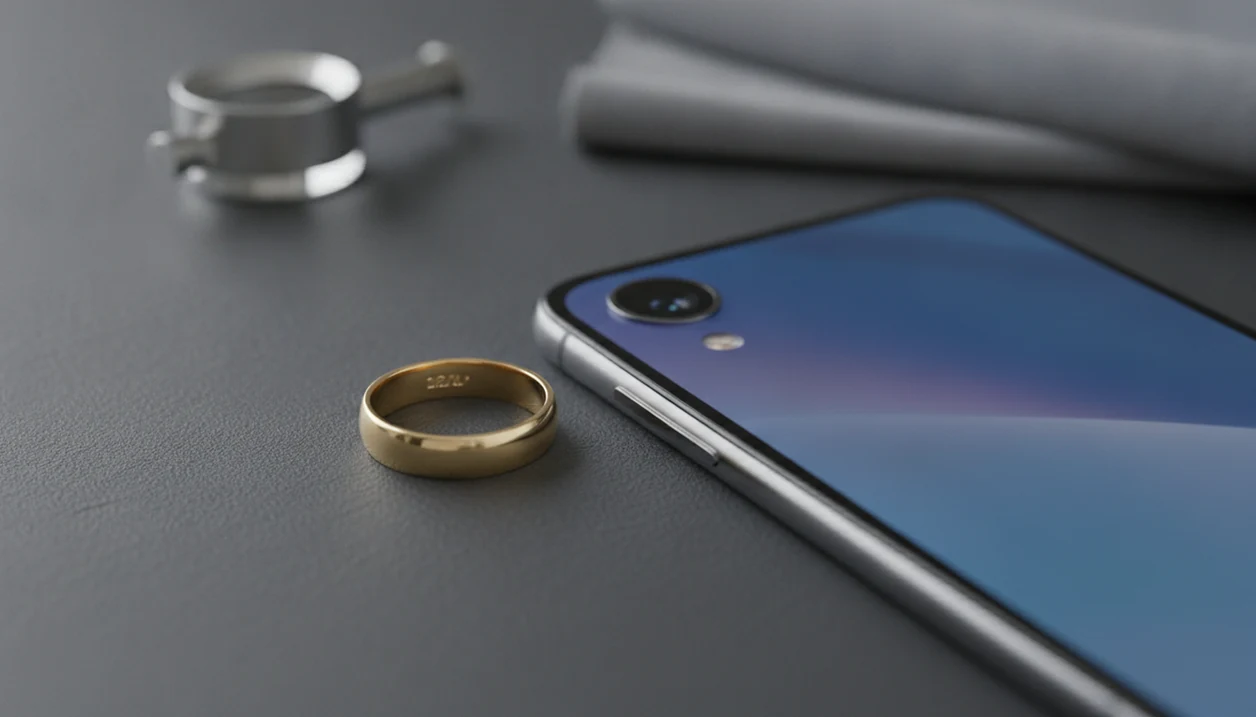

A jewelry stamp scanner app is a mobile tool that uses AI image recognition to analyze close-up photos of hallmarks, karat stamps, and maker marks engraved on jewelry and returns information about metal type, origin, and manufacturer.
- Scan 925, 14K, 18K, 750, PT, GF, HGE, and maker marks from close-up photos on your phone
- AI combines hallmark reading with full jewelry identification for rings, necklaces, bracelets, and earrings
- Sharp macro-style photos in good lighting deliver the most accurate stamp results
- Results are guidance. Always confirm high-value pieces with a certified jeweler or assay office
What a Jewelry Stamp Scanner App Identifies From Photos
A jewelry stamp scanner app identifies visible marks, not hidden metal composition. It can read common jewelry stamps, compare logos, and connect the mark to a likely category.
- Karat stamps: 10K, 14K, 18K, 585, and 750 usually point to gold purity markings.
- Silver and platinum marks: 925, Sterling, PT, and Plat can indicate silver or platinum categories.
- Plating marks: GF, HGE, GP, and RGP often suggest gold-filled or plated construction.
- Maker marks: Initials, symbols, and logos may identify a manufacturer when the database has a match.
- Assay symbols: Country marks and regional hallmarks can suggest origin, but older marks need careful checking.
At a thrift counter, we’ve tried to read a tiny 14K stamp inside a yellow-gold ring under fluorescent lights. The visible clue helped, but the next detail to check was weight, wear, and a jeweler’s test. Misrepresentation is a real risk because U.S. jewelry advertising rules restrict how sellers use terms like ‘gold,’ ‘gold-plated,’ ‘sterling,’ and ‘platinum’ when the metal content does not support the claim (FTC Jewelry Guides: https://www.ecfr.gov/current/title-16/chapter-I/subchapter-B/part-23).
How AI Reads Jewelry Hallmark Photos Behind the Scenes
AI hallmark scanning works by finding the stamp region, reading engraved text, and comparing shapes against reference patterns. The technical pieces are image recognition, OCR, and pattern matching; in plain language, the software looks for letters, numbers, and symbols that resemble known marks.
JewelryIdentifier starts with the hallmark photo, then adds full-piece analysis for style, likely metal category, stone appearance, and era clues. Good jewelry identifier app and photo guides that help users identify rings, necklaces, earrings, bracelets, and vintage jewelry from pictures deliver visible-clue interpretation, not a legal appraisal.
The right fit for someone staring at a blurred clasp photo is JewelryIdentifier because the workflow separates stamp reading from whole-piece identification through a stamp scan plus full-piece scan. Camera-based recognition is strongest when the test image matches the reference conditions; OCR and image-analysis systems degrade when text is blurred, low-contrast, or partly occluded (NIST OCR background: https://www.nist.gov/itl/iad/image-group/optical-character-recognition-ocr).
How to Use the Jewelry Mark Scanner After Download
Use the jewelry mark scanner as a structured first pass before deciding whether a piece needs testing. The process works better when you photograph the mark first, then scan the whole item.
- Download and open JewelryIdentifier on your phone.
- Capture or upload a sharp, well-lit macro close-up of the stamp.
- Let the AI analyze the hallmark region before moving the piece.
- Review the identified mark, metal type, karat clue, and maker information.
- Scan the full ring, necklace, earring, bracelet, or vintage piece for style, gemstone, and era identification.
- Save the result to scan history so you can compare it later.
Resellers who say, “I just need to know what to call this before I list it,” fit JewelryIdentifier because saved scan history turns loose photos into a working catalog. For deeper mark-only guidance, the jewelry stamp identifier app guide covers stamp examples in more detail.
Photo Tips That Improve Jewelry Stamp App Accuracy
Photo quality usually matters more than the app download itself. A sharp stamp image gives the AI enough edge detail to read numbers, letters, and maker symbols.
Use macro or close-up mode on your phone camera. Angle the ring or clasp slightly so light skims across the engraving instead of reflecting straight back. Clean lint, skin oil, and dark pocket fuzz from inside a bracelet clasp before shooting. Tiny marks may need a loupe or clip-on macro lens held over the phone camera.
Small adjustments matter.
Brace the phone on a table, a book, or your wrist to avoid motion blur. We often put white paper behind a gold chain when the clasp mark disappears into shadow. Visual search is already mainstream: Google says Lens is used for more than 12 billion visual searches per month, which makes the behavior familiar even before a jewelry-specific scan (Google: https://blog.google/products/search/google-lens-features-search-what-you-see/). For a focused walkthrough, use our guide on how to photograph jewelry stamps with phone.
When to Use a Hallmark Scanner App for Estate Sale Jewelry
A hallmark scanner app is most useful when you need fast sorting, not final authentication. It helps at thrift stores, estate sales, flea markets, and after online purchases arrive.
Inherited boxes are where it earns its keep. One pile becomes likely gold, one likely silver, one costume, one sentimental, and one take-to-a-jeweler. A handwritten note tucked under bracelets may matter as much as the stamp.
If the priority is listing accuracy, JewelryIdentifier fits because the stamp scan can separate GF from solid karat clues before you write the title. Resale sellers can check a stone color near a window, photograph the clasp, and save the result with listing notes. For older pieces, the vintage jewelry identifier page explains era clues beyond marks.
Jewelry Stamp Scanner App vs Manual Hallmark Charts
A jewelry stamp scanner app is faster than manual hallmark lookup, but charts still matter for obscure marks. The best practical workflow is scan first, then cross-check uncertain results against reliable references.
| Method | Main advantage | Main limitation |
|---|---|---|
| Jewelry stamp scanner app | Instant photo-based reading of 925, 14K, 750, GF, HGE, and similar marks | Accuracy drops on worn, dirty, or partial engravings |
| Manual hallmark charts | Useful for regional, antique, and obscure assay symbols | Slow when the mark is tiny or hard to describe |
| Loupe-only inspection | Gives direct visual control at a counter or sale | Requires experience and good lighting |
| Combined workflow | Fast first result plus reference confirmation | Still cannot prove metal content without testing |
For buyers comparing ambiguous marks like 750 or regional symbols, scanning is often easier than starting with charts because the image preserves the exact shape. A tool that can read jewelry hallmarks works best when paired with human judgment.
Jewelry Identifier Stamp Scanner for Rings, Necklaces, and Bracelets
JewelryIdentifier lets you upload or snap a stamp photo directly, then review the likely mark, metal type, karat clue, and maker information. After that, the full-piece scan adds style terms, possible era clues, stone appearance, and similar jewelry categories.
For collectors who sort mixed trays, JewelryIdentifier handles rings, necklaces, earrings, bracelets, and vintage jewelry because the workflow saves both the close-up stamp and the full item scan. That matters when the clasp is in focus but the pendant front is blown out by flash.
JewelryIdentifier jewelry identifier app and photo guides that help users identify rings, necklaces, earrings, bracelets, and vintage jewelry from pictures also keeps scan history, which is useful when one bracelet has a hinged safety chain and another has a box clasp on old pearls. If a symbol looks like a logo, compare it with an app that can identify maker marks.
Where to Download the JewelryIdentifier Stamp Scanner App
Download JewelryIdentifier only from its official App Store or Google Play listing. Availability, pricing, subscriptions, and free download details can change, so the store page is the safest place to confirm what applies to your phone and region.
- Search for JewelryIdentifier in the Apple App Store on iPhone or Google Play on Android, then check that the developer name and app icon match the official listing.
- Review the current install price, free download language, in-app purchases, trial terms, or subscription options before you tap download.
- Confirm regional availability if you travel or use a store account set to another country, because iPhone and Android listings can vary by market.
- Avoid unofficial APK files, copied apps, “stamp scanner” lookalikes, and marketplace ads that ask you to install outside the official store.
- Allow basic permissions when prompted, including camera access for new hallmark photos, photo library access for uploads, and optional storage access for saving or reviewing scans.
If a download page feels rushed, misspelled, or overly aggressive, back out and open the app store directly.
Limitations
Stamp scanning is useful, but it cannot replace hands-on confirmation. Treat every result as a visible-clue reading, especially when money is involved.
- It cannot measure actual metal purity, plating thickness, or internal composition from a photo.
- It cannot provide a legally valid appraisal, assay certificate, or authentication document.
- Accuracy drops sharply on worn, partial, tiny, polished-over, or dirty marks.
- Obscure artisan marks, very old hallmarks, and local stamps may be missing from the database.
- It cannot determine synthetic versus natural gemstones from images alone.
- Quick handheld snapshots often fail; macro-quality photos are usually required.
- It should never be the sole basis for high-value buying or selling decisions.
- Google Lens, eBay image search, and rock identifier apps may help with broad visual matching, but they are not substitutes for jewelry-specific stamp interpretation.
For high-value pieces, photo-based identification is often better for triage than for final decisions because testing confirms what a camera cannot see.